The Native Mobile App for Your Directus Backend
Built for teams who need seamless access to their Directus content. Manage your data and handle assets — all through an intuitive mobile interface.

Features
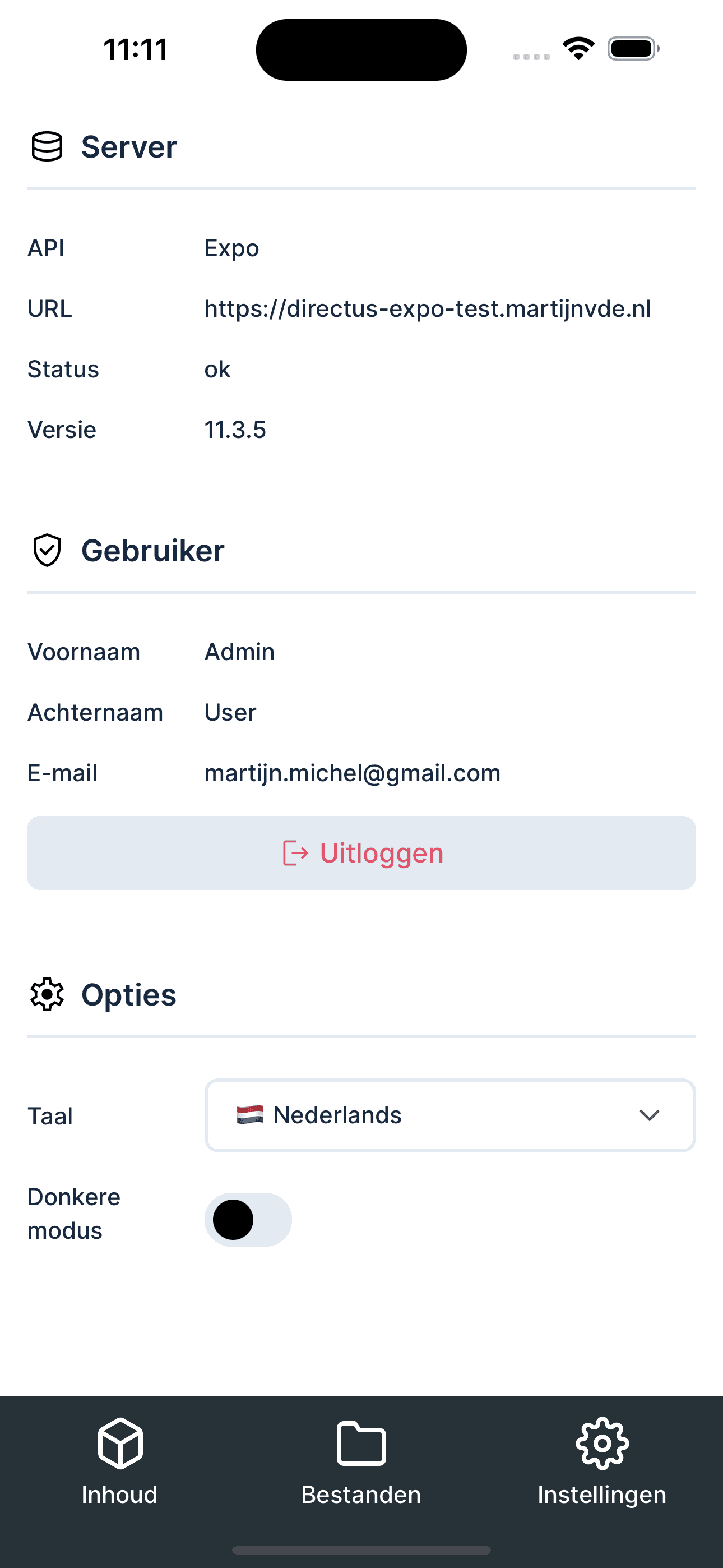
Add multiple servers
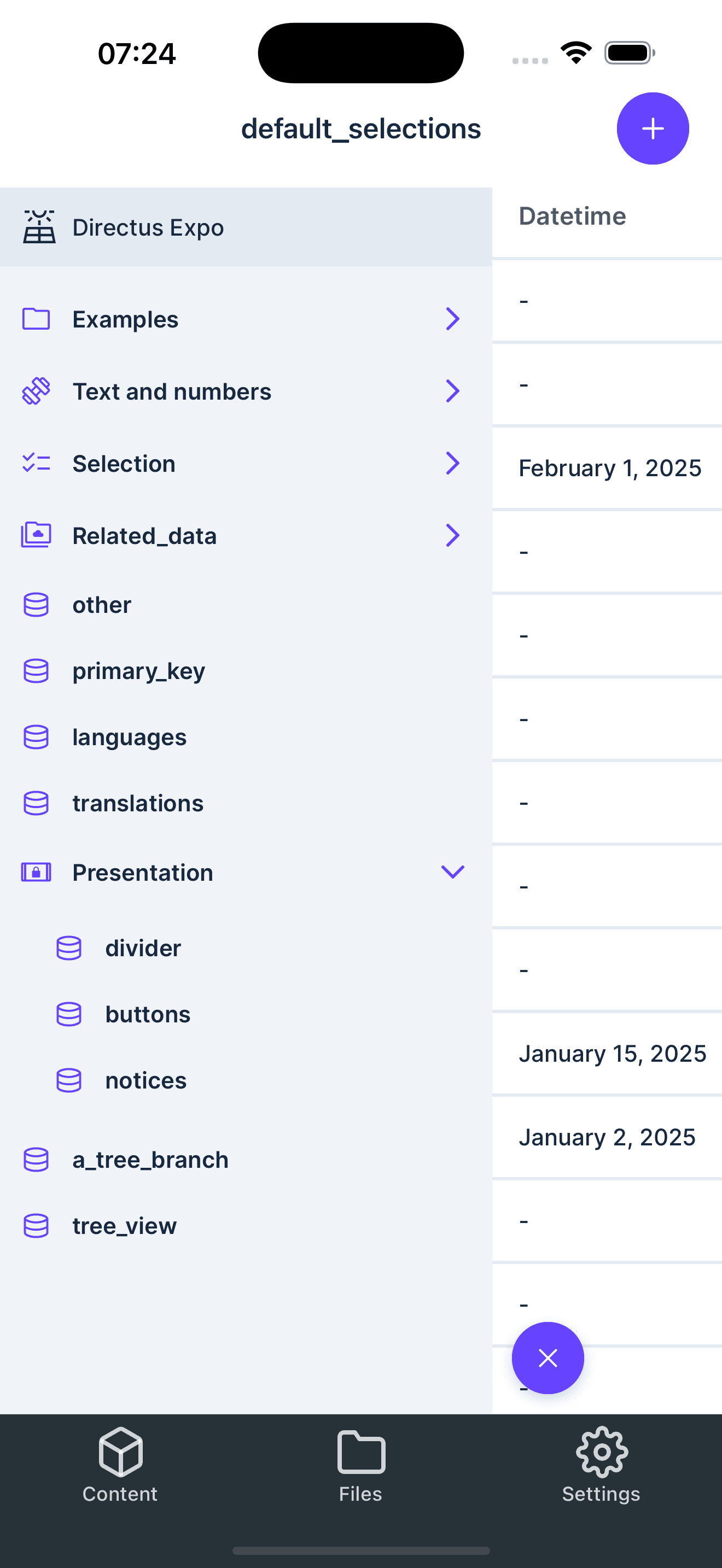
Connect and manage multiple Directus APIs simultaneously. Add as many servers as you need and seamlessly switch between different accounts and instances. Perfect for developers and teams working across multiple projects. Ideal for agencies managing multiple client environments or organizations with various staging and production servers.
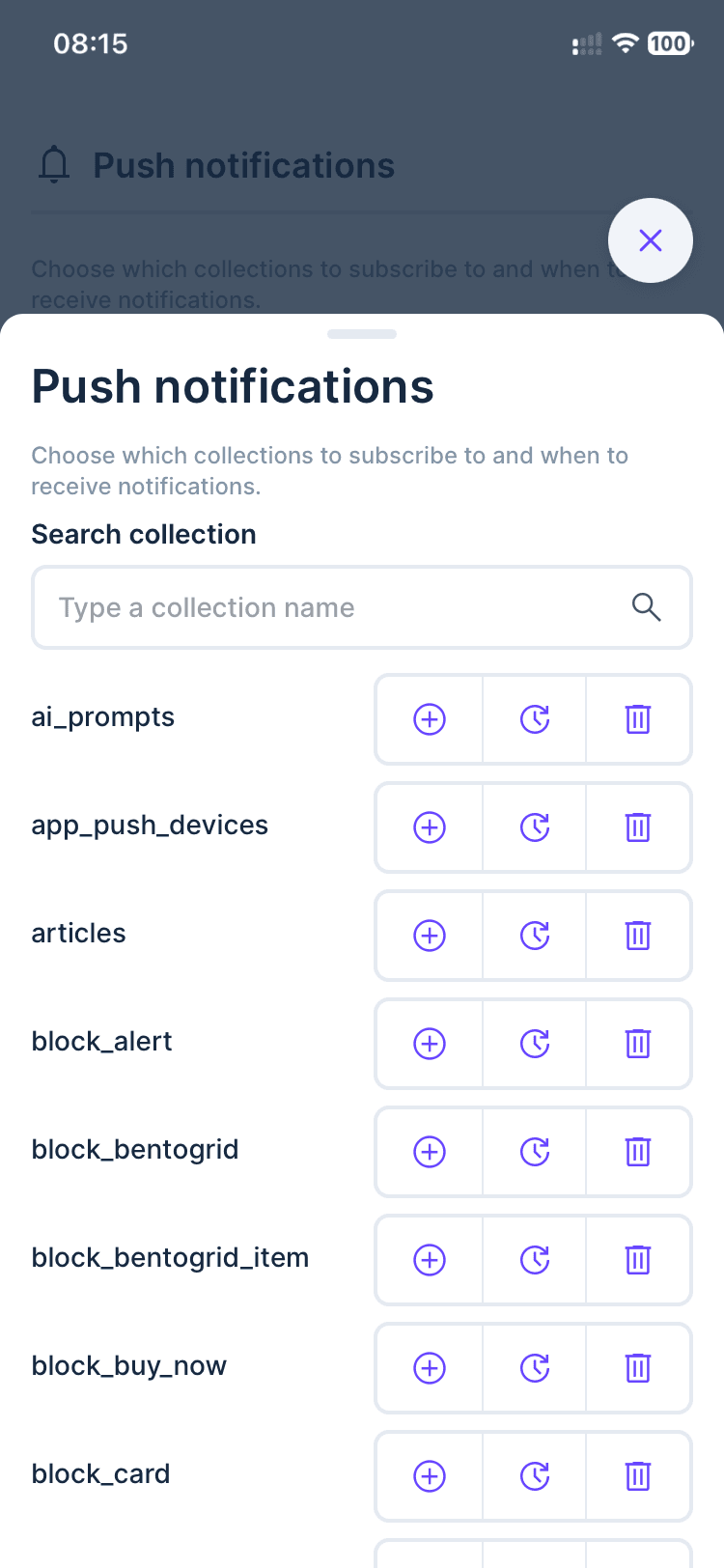
Push Notifications
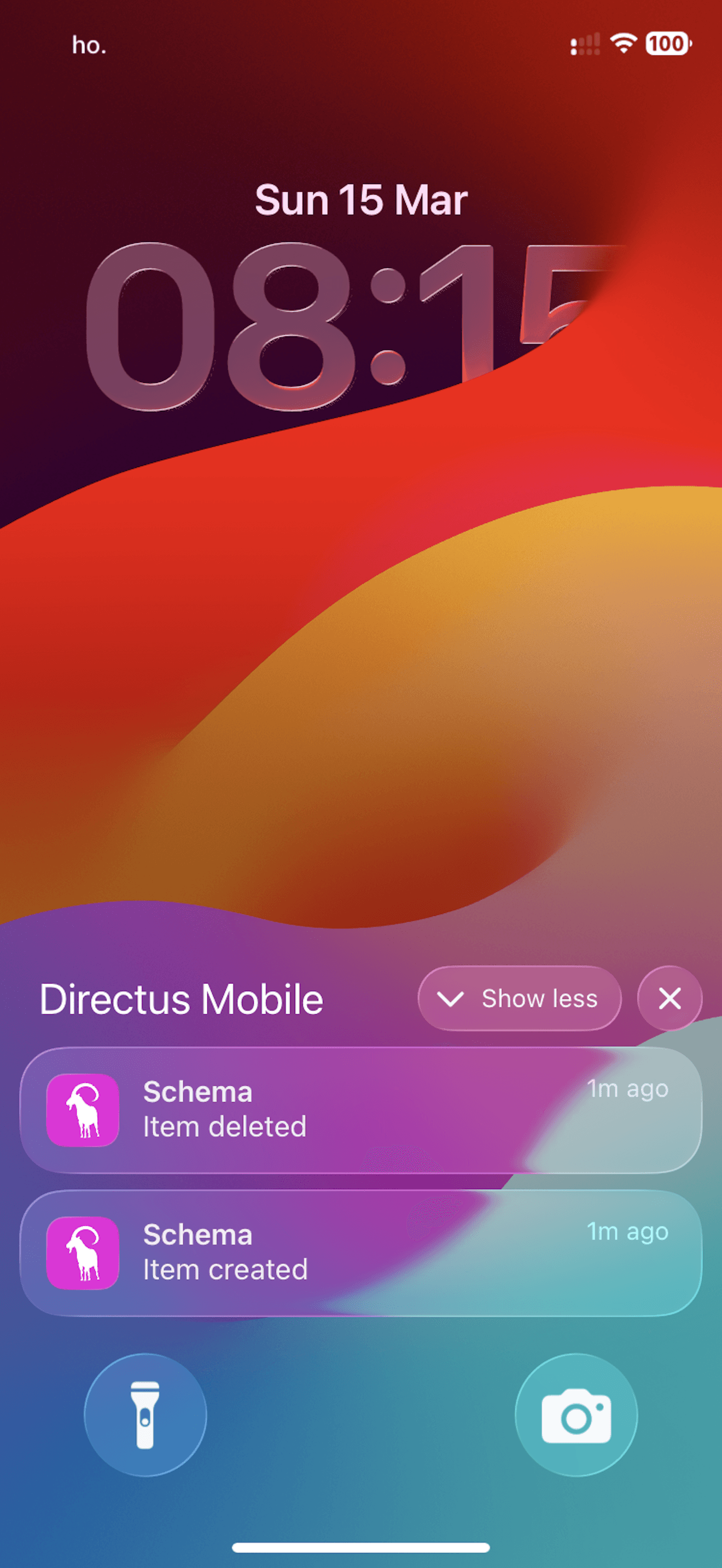
Easily setup push notifications for your Directus backend. Send notifications to your users when new content is created, updated, or deleted. Perfect for content managers who need to stay informed and never miss a beat.
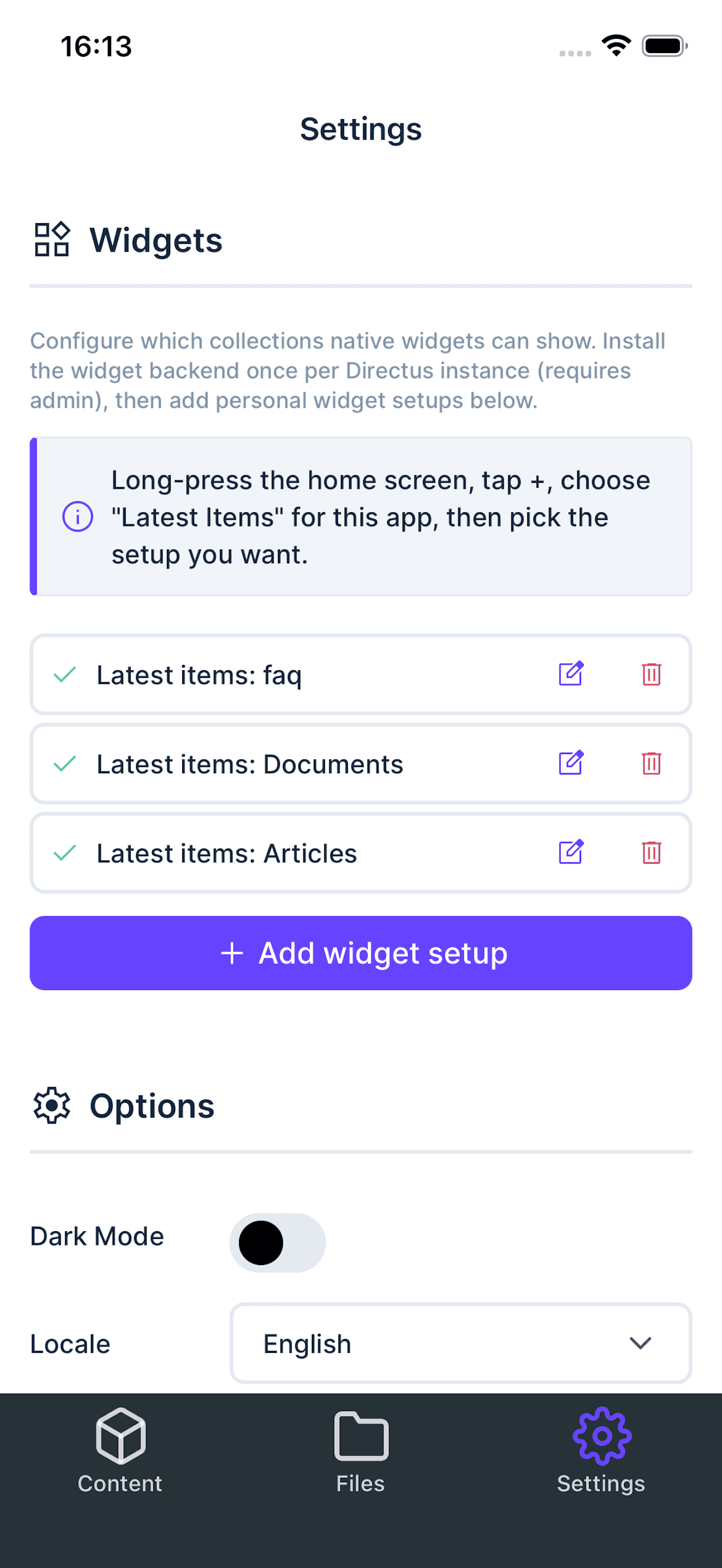
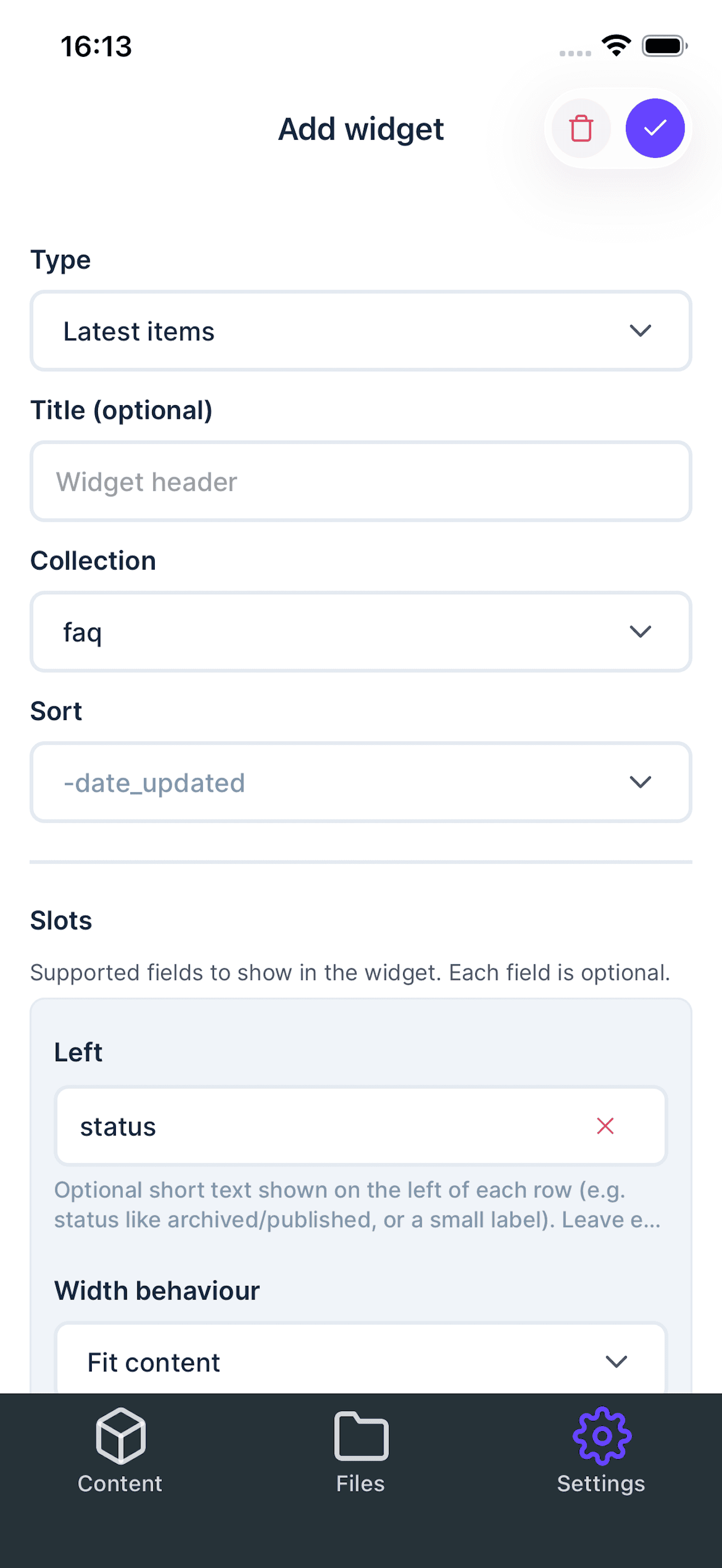
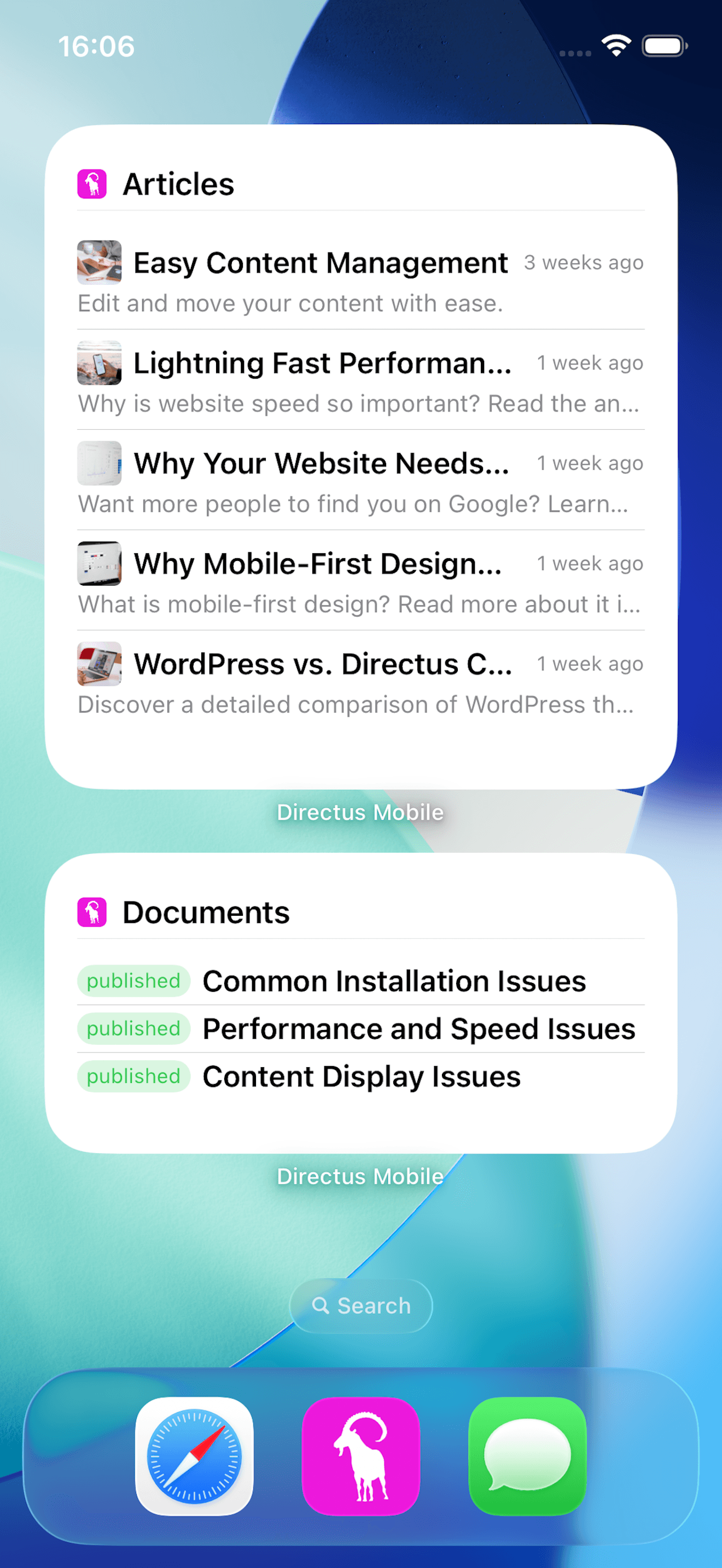
Home Screen Widgets
Add Directus widgets to your iOS or Android home screen to quickly view the latest items and jump straight into the right content. Configure widget setups in the app and keep important collections one tap away.
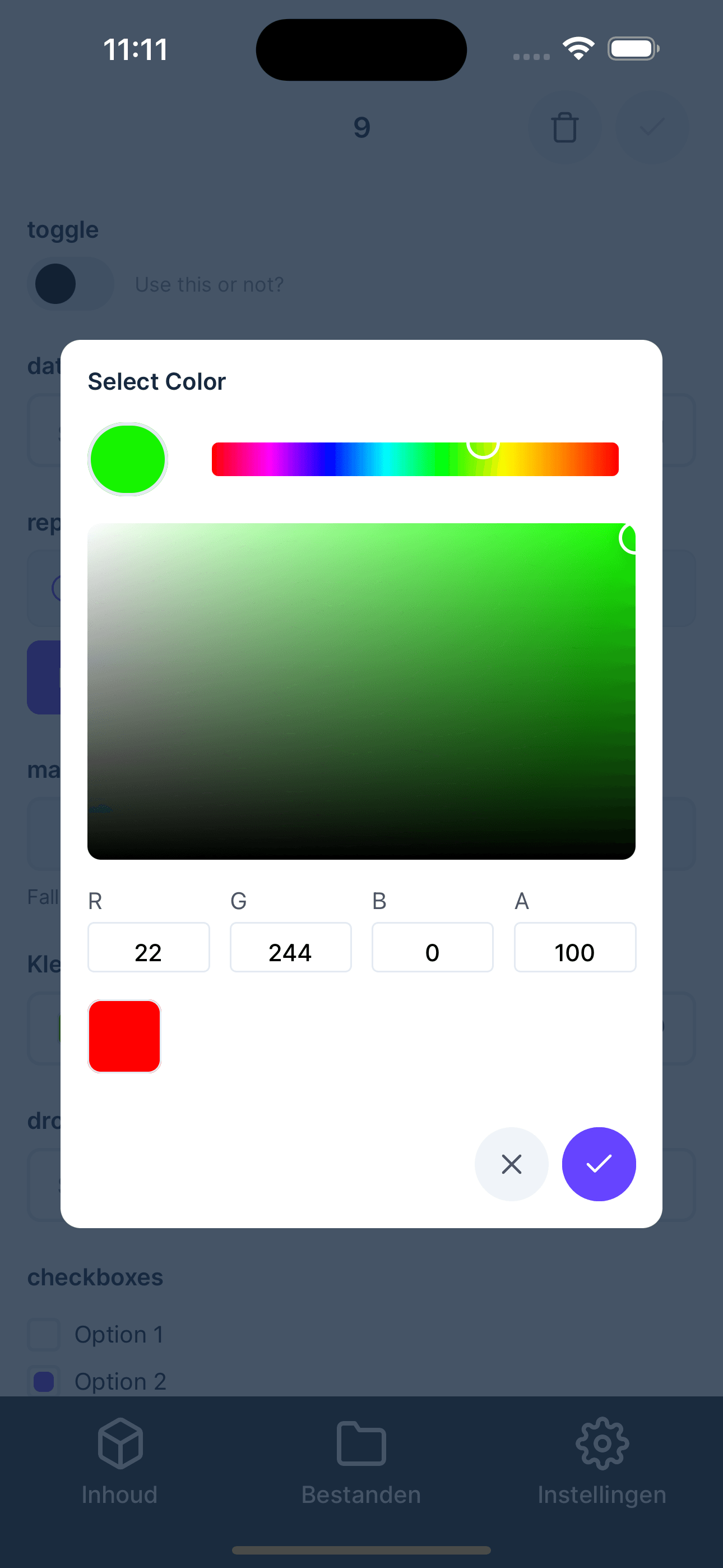
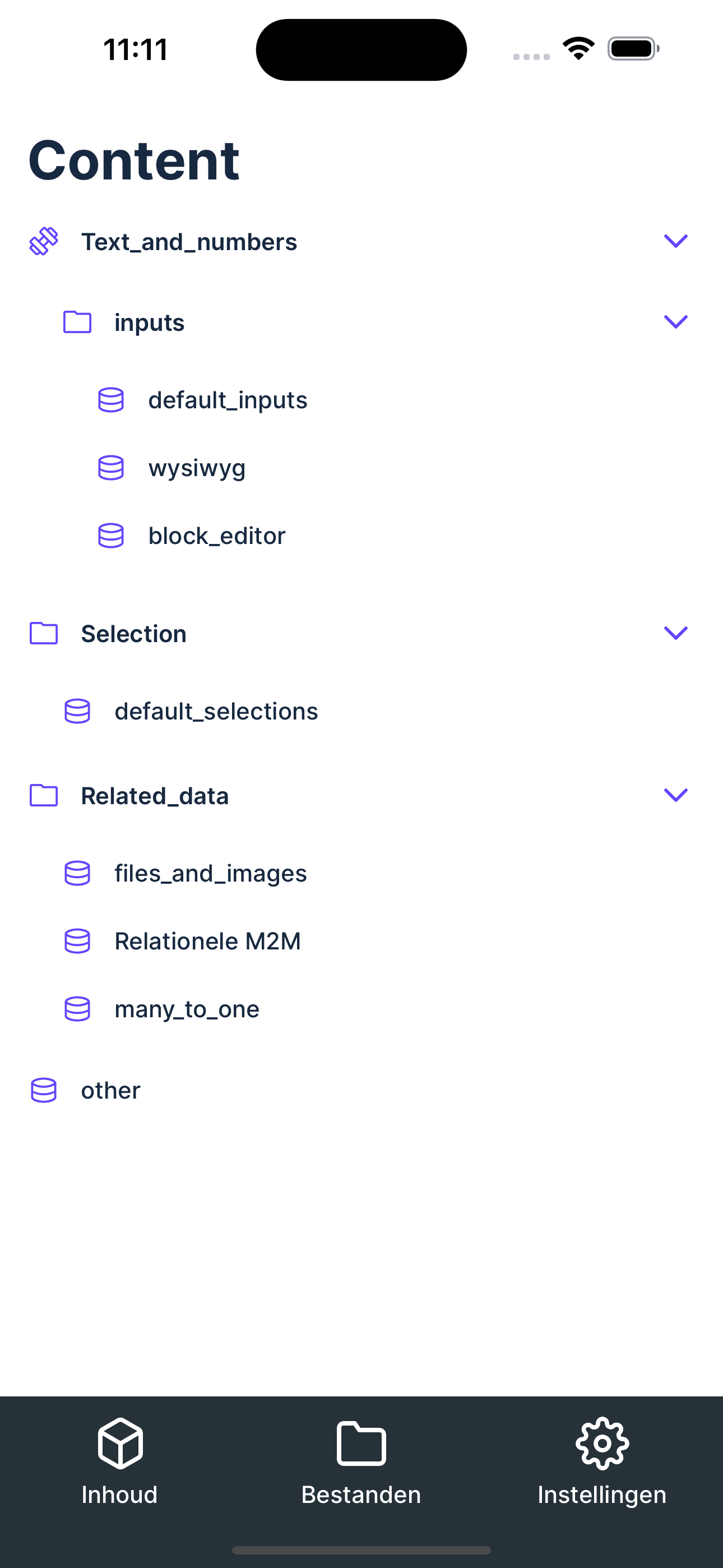
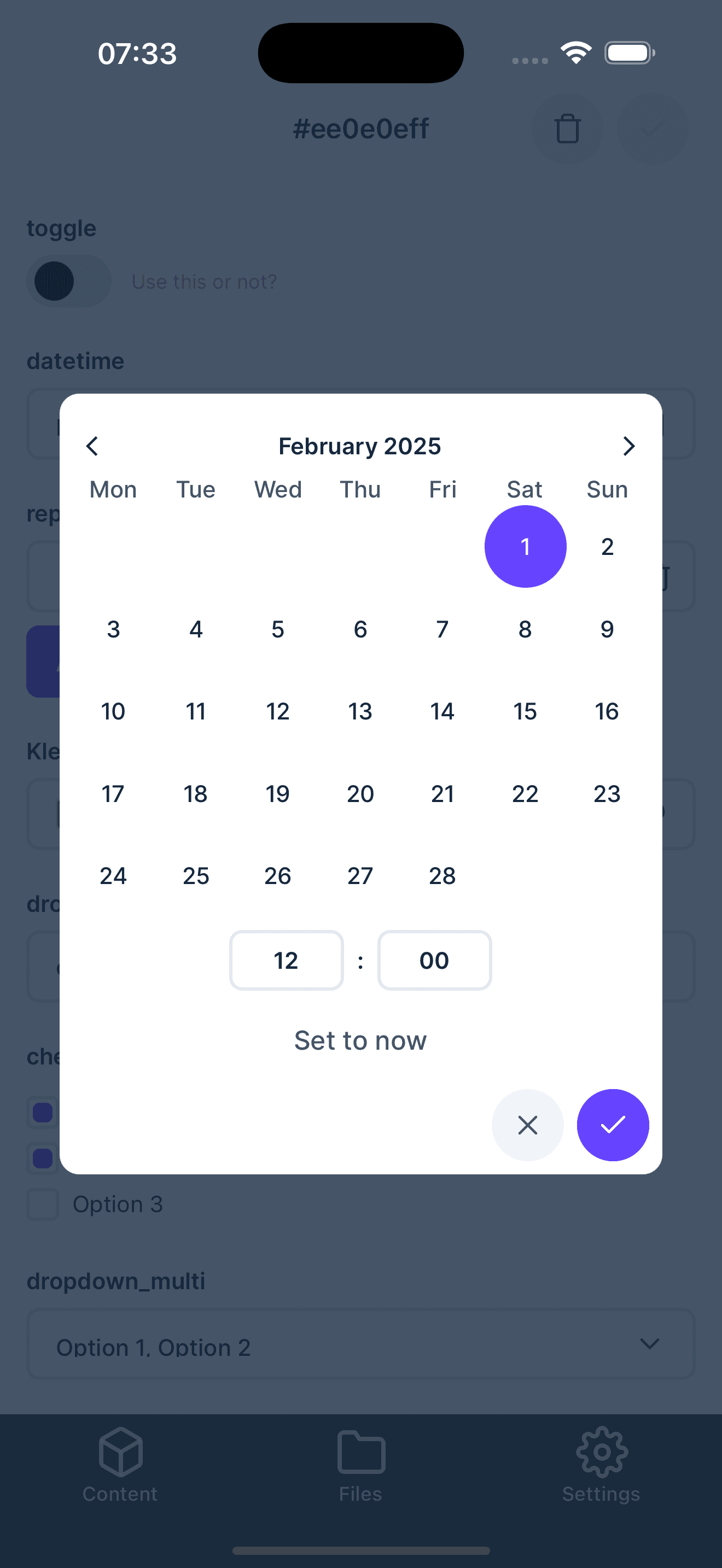
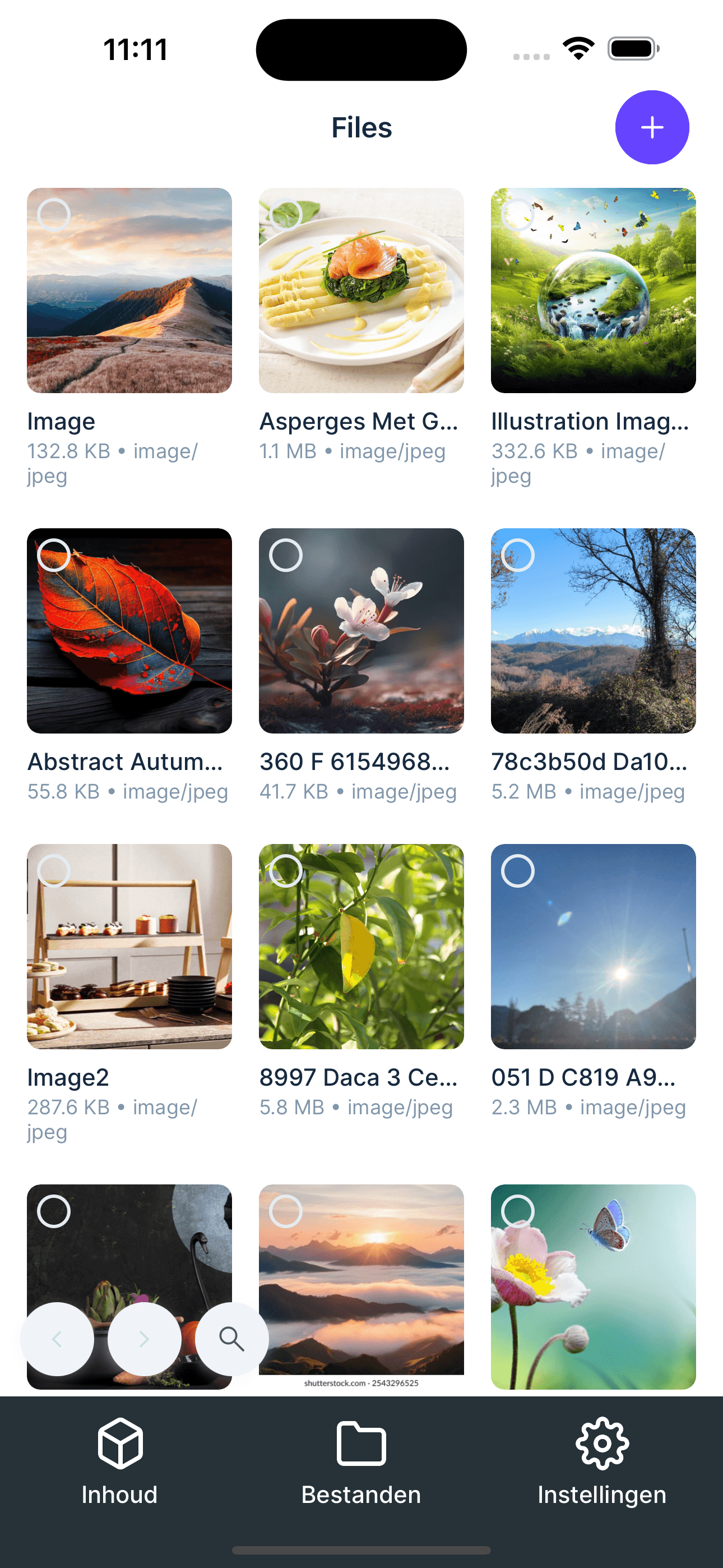
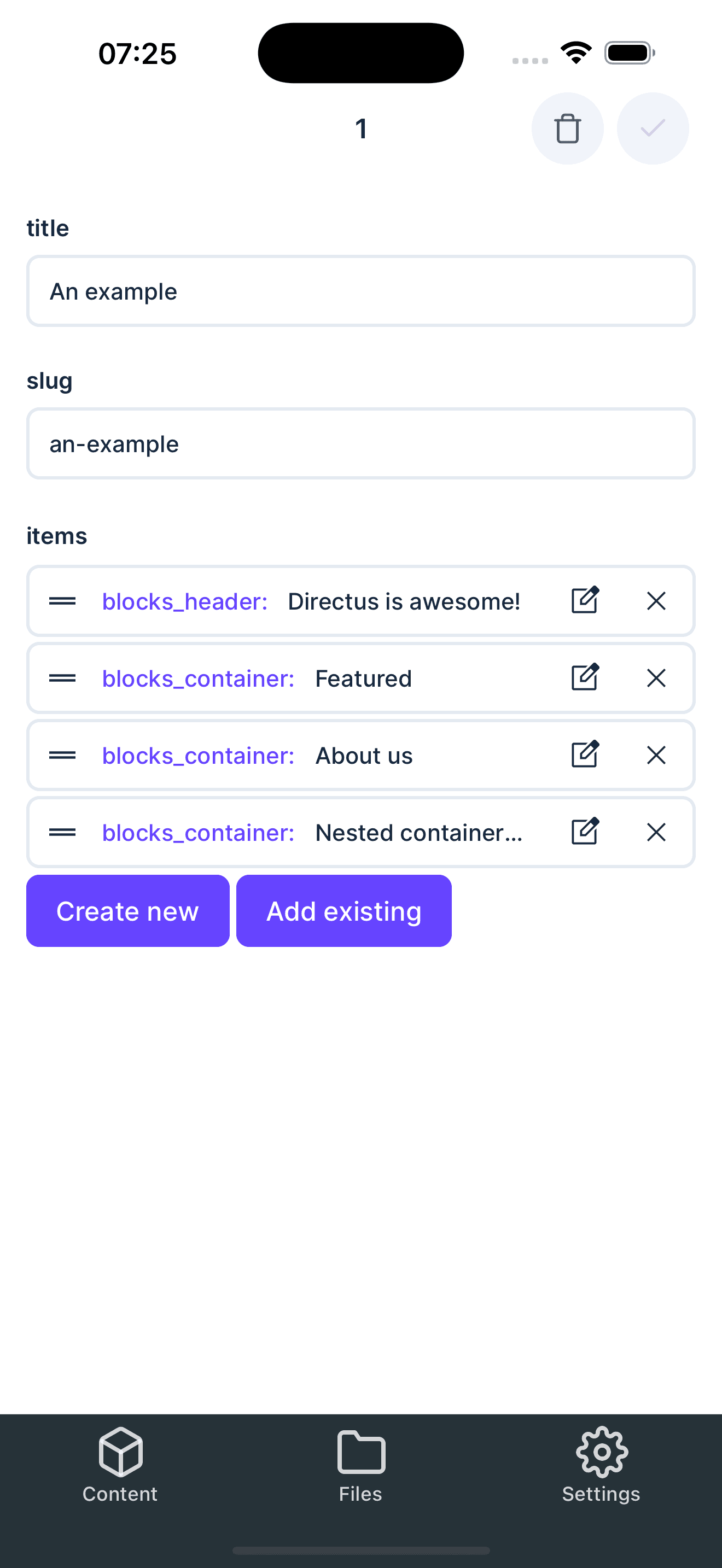
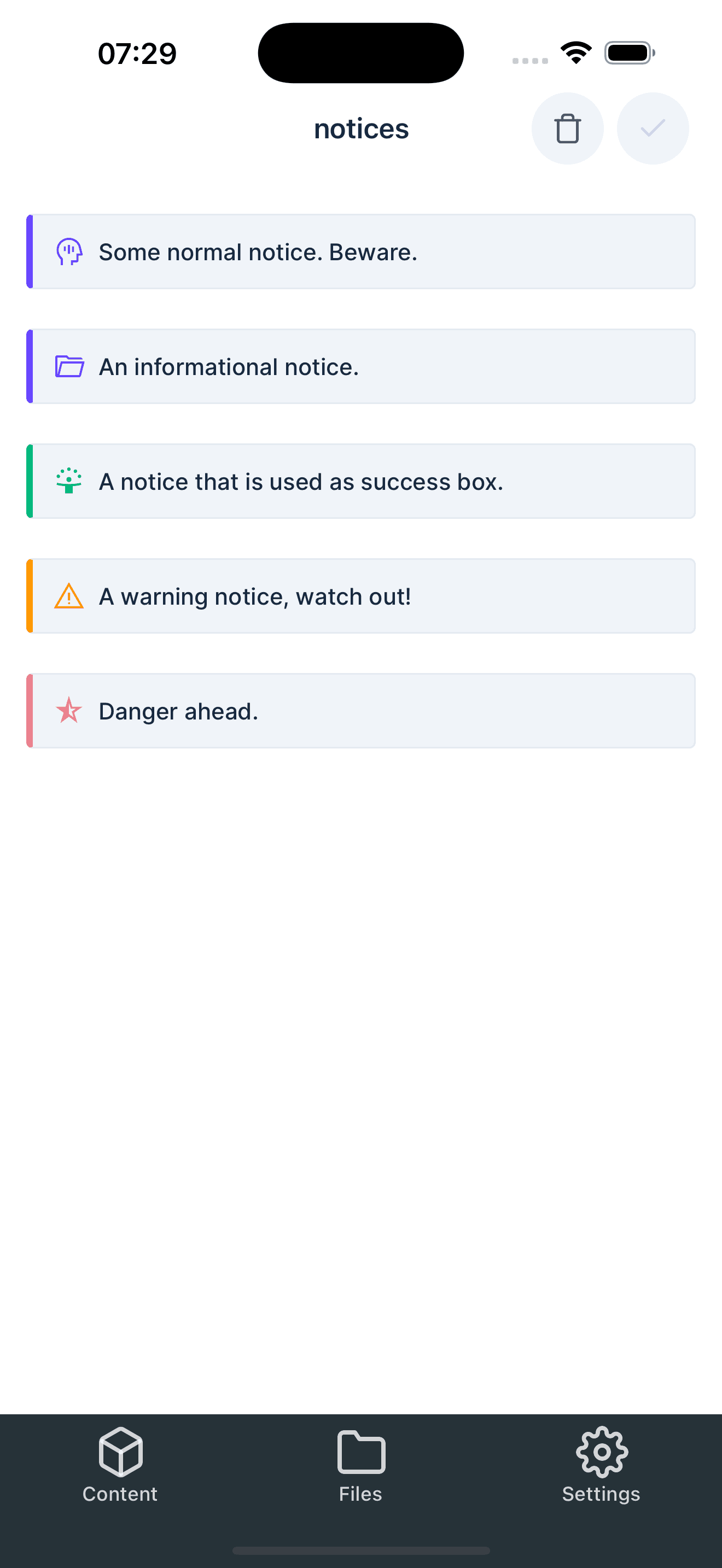
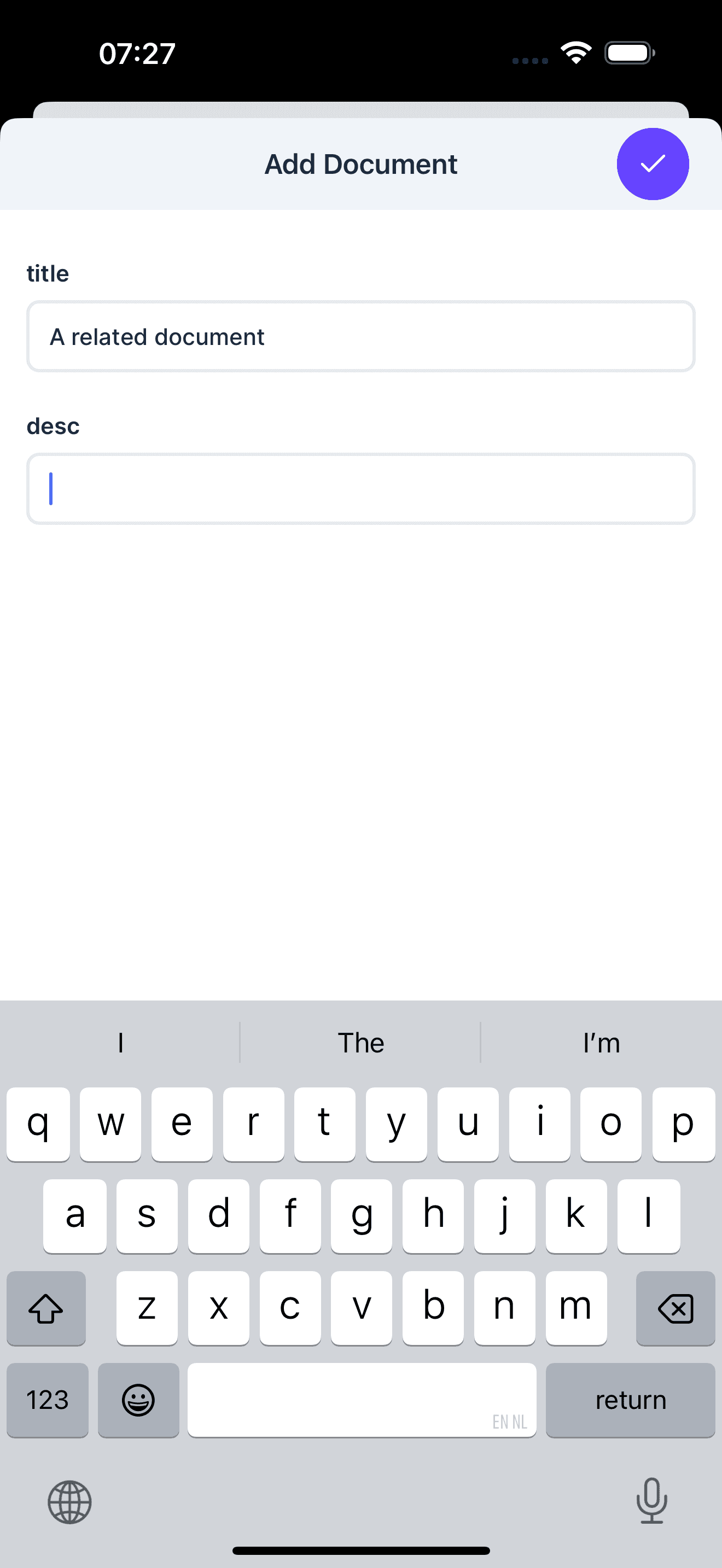
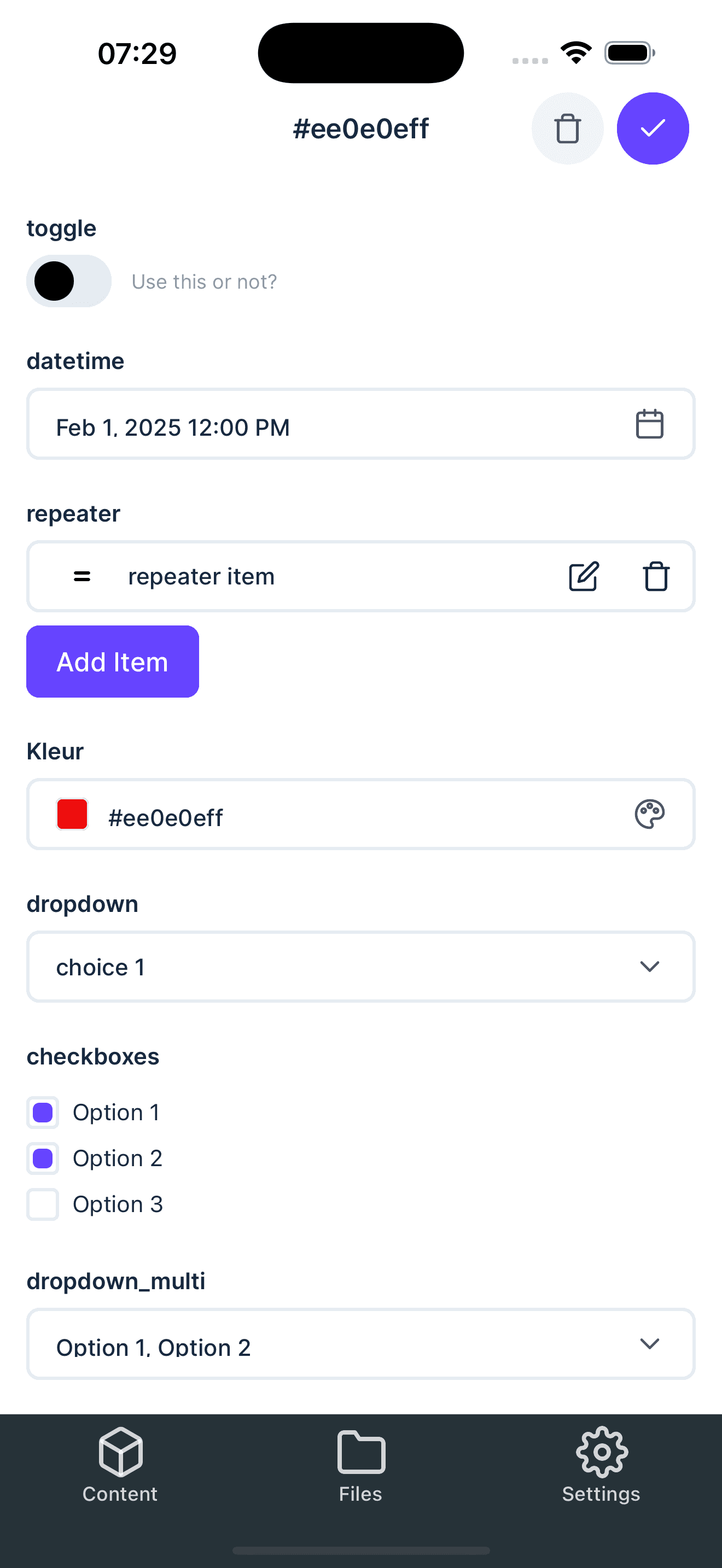
Manage content and media
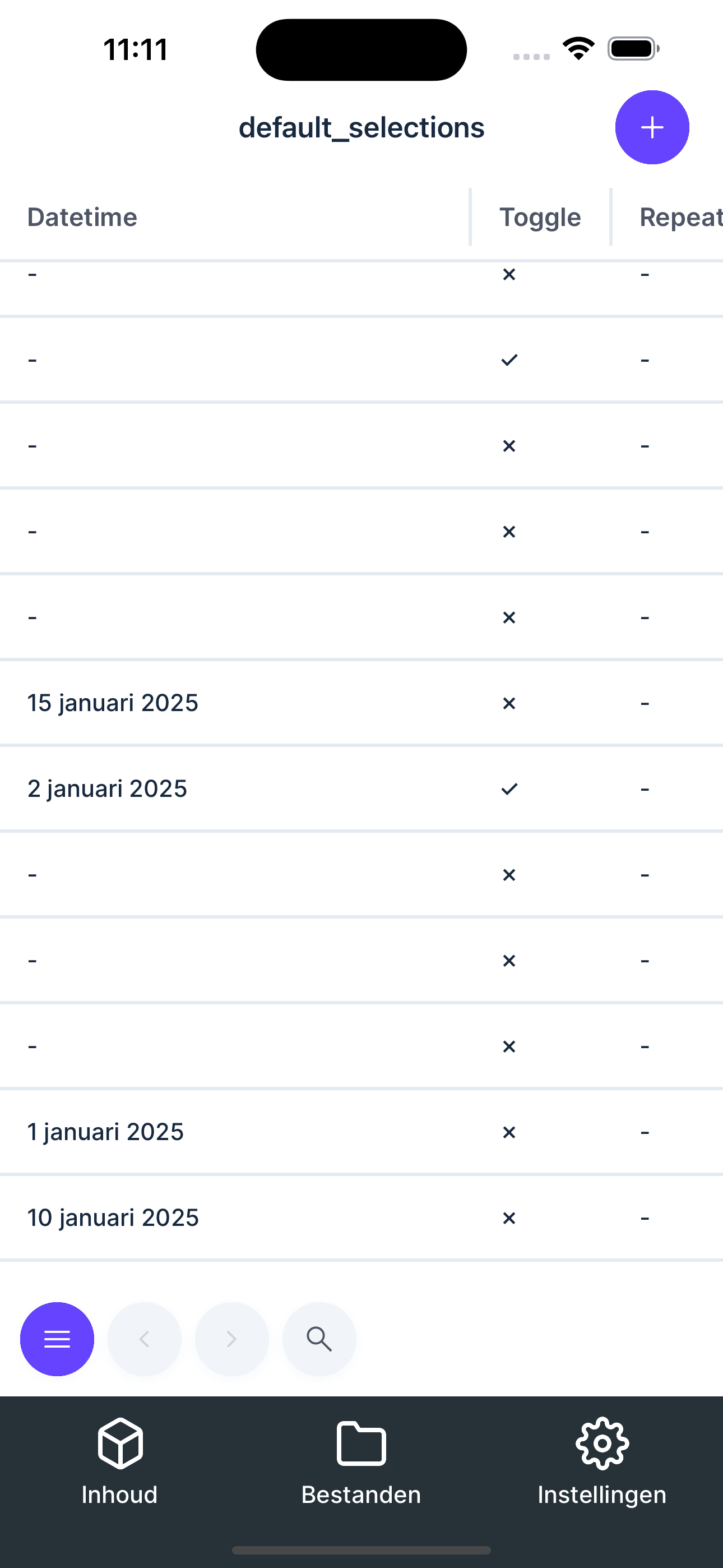
Create, edit, and delete content entries directly from your mobile device while uploading photos, videos, and documents to Directus in the same workflow. Browse collections, search and filter data, and keep content and assets in sync on the go.
Download the app